01 / WHY NUMBERS MOVE
Separate photo variation from method variation
A score can differ because the photos differ, because the measurement method differs, or both. A face calculator measures distances in an image. Camera distance changes perspective: features closer to the lens can appear larger relative to features farther away. A 2018 mathematical study modeled this effect for selfies and found that, at a 12-inch camera distance, the nose-to-cheek-width relationship was enlarged compared with an orthographic view; at five feet, the modeled difference was essentially absent. That result describes the study’s model and setup, not a correction factor for every phone or face.
In practice, keep the camera farther away and use a timer if you can. Do not compare a close arm-length selfie with a portrait taken from across a room as though the pixels were collected under identical conditions. Then check whether the two calculators use the same method.
02 / WHAT TO MATCH
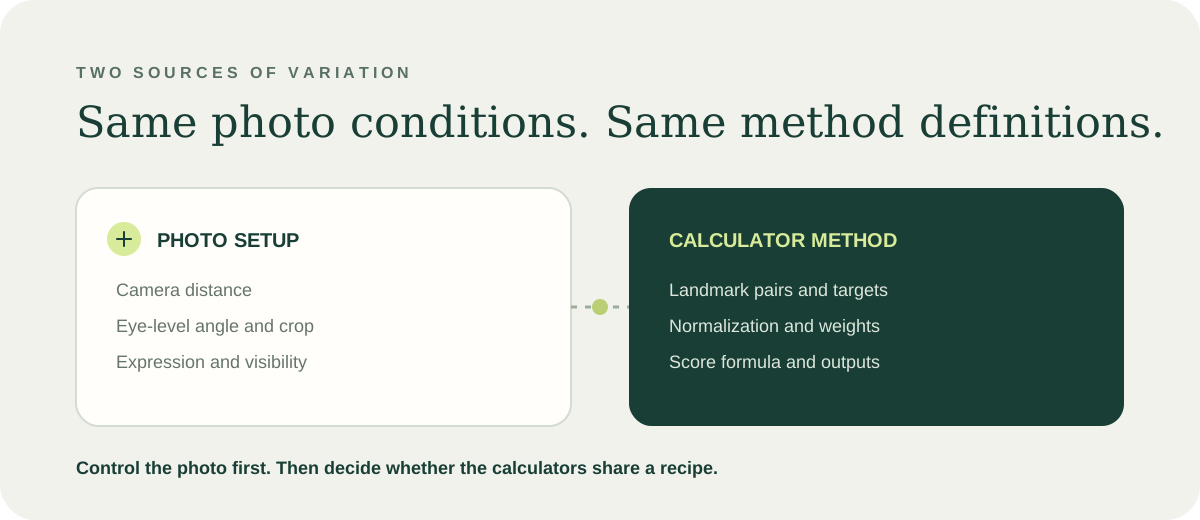
Separate the photo from the calculator
First hold the image conditions steady; then compare the calculators’ definitions. A repeatable photo does not make two different formulas equivalent, and identical formulas cannot cancel out a changed camera angle.
| Photo condition | Keep it consistent | What it can affect |
|---|---|---|
| Distance and camera | Use the same camera position and distance; step back and use a timer. | Perspective can change the apparent size of near and far features. |
| Angle and crop | Keep the lens at eye level, face forward, and use the same framing. | A tilted view or changed crop alters the image geometry and visible landmarks. |
| Expression and visibility | Keep a neutral mouth; show the forehead, nose, lips, and chin clearly. | Expression-sensitive points and obscured landmarks can change what the tool measures. |
Scope: This is a repeatability checklist, not a clinical accuracy test. A clear photo controls one source of variation; it does not verify landmark detection.
03 / COMPARE DEFINITIONS
Use a four-point calculator audit
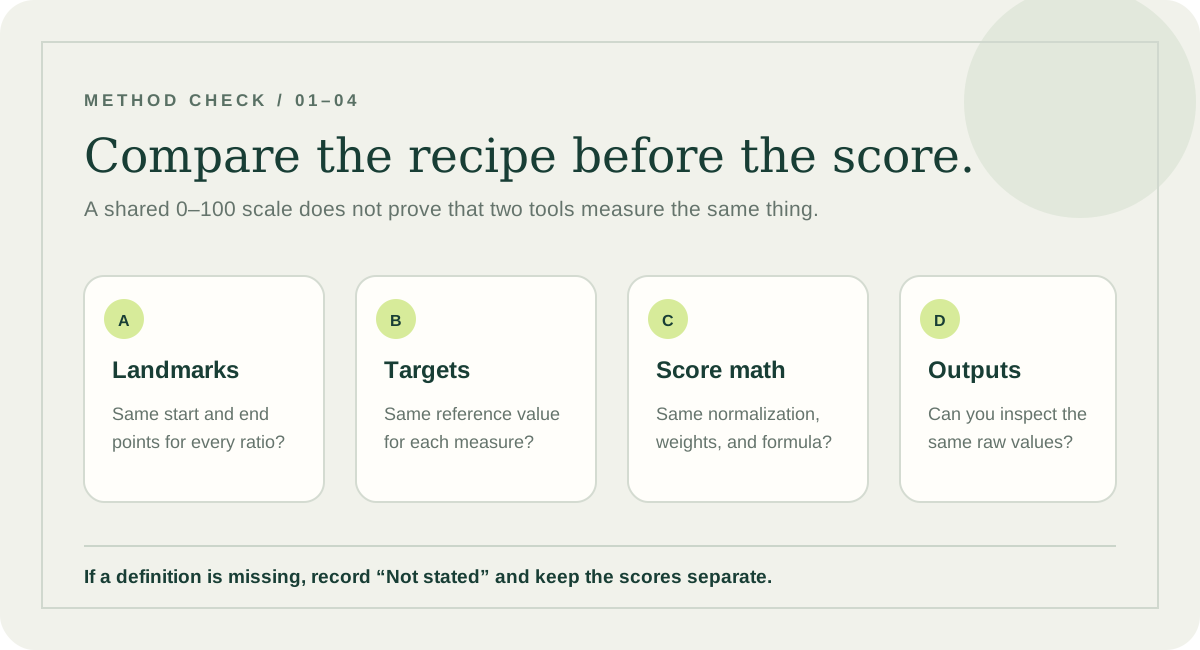
The phrase “golden ratio face” does not specify one universal measurement recipe. Copy each calculator’s own definitions into the worksheet below. If a page does not disclose a field, write “Not stated”; do not infer it from the label or score.
LandmarksWhich exact points define the start and end of each distance?
TargetDoes the tool compare every ratio with φ, or use a different reference for a visible-face measurement?
Normalization and formulaDoes it use absolute or relative difference? How are the ratios weighted and combined?
OutputDoes it show raw ratios and signed differences, or only a composite score?
| Copy from each page | Calculator A | Calculator B | Match? |
|---|---|---|---|
| Landmark pairs | Write each named start and end point. | Write each named start and end point. | Same / Different / Not stated |
| Target values | Record the reference for every ratio. | Record the reference for every ratio. | Same / Different / Not stated |
| Normalization and score formula | Record difference type, weights, and combination rule. | Record difference type, weights, and combination rule. | Same / Different / Not stated |
| Visible output | Ratios, signed differences, composite score, or other output. | Ratios, signed differences, composite score, or other output. | Same / Different / Not stated |
The score definitions appear comparable. You still need matching photos before comparing readings.
Treat the composite scores as different measures. Compare only a raw ratio that both tools define the same way.
Comparability is unknown. Keep the readings separate instead of assuming the same 0–100 scale means the same formula.
Decision rule: “Comparable” here means the disclosed definitions line up. It does not mean either calculator is clinically validated or measures attractiveness.
04 / YOUR REPEATABILITY LOG
Compare the same fields, side by side
Save this small log with your own readings. Record the ratios first; the overall number is only a summary of the method used on that page.
When a result changes, review the log before drawing a conclusion. If the photo setup and calculation are unchanged but one point looks misplaced on the overlay, retake a clear front-facing photo and compare again.
A CLEAR NEXT STEP
Start with one repeatable photo.
Use one front-facing image, inspect the landmarks, and read each ratio with its signed difference from φ. This is a geometric reference, not an attractiveness rating.
Open the golden ratio face calculatorQUICK ANSWERS
Frequently asked questions
Why did my golden ratio face score change?
The photo can change perspective or landmark placement. The calculator may also use different landmark pairs, targets, or score formulas. Check both before treating two scores as comparable.
Can I compare two calculators directly?
Only if they use the same landmark distances, target values, normalization and aggregation formula, and comparable displayed outputs. If a definition differs or is not stated, treat the composite scores separately.
Do two scores on a 100-point scale mean the same thing?
No. A shared scale does not establish that the calculators use the same landmarks, targets, normalization, or aggregation formula.
Does a different score mean my face changed?
No conclusion follows from the score alone. A photo-based geometric result can move because the camera setup or the measurement method changed.